Render Compute Plans
Specify your service's available CPU and RAM.
We've updated compute plan names and added new plans.
There are no pricing changes to existing plans. For other details, see Updates to Render Compute Plans.
Your Render service's compute plan determines the CPU and RAM specs for its instances. For example, the 1c-2g compute plan provides 1 CPU and 2 GB of RAM.
For most service types, you select a compute plan during service creation and can change plans later.
If you scale a service to run multiple instances, each instance uses the same compute plan and is billed accordingly:
Static sites do not have a compute plan at all, because they do not perform server-side processing.
All plans
For pricing details on compute plans, see the pricing page.
Compute plans vary by service type:
Web service plans
| CPU | RAM | Plan ID | Legacy Plan Name |
|---|---|---|---|
| 0.1 CPU | 512 MB | ||
| 0.5 CPU | 512 MB |
|
|
| 1 CPU | 2 GB |
|
|
| 2 CPU | 4 GB |
|
|
| 2 CPU | 8 GB |
| |
| 2 CPU | 16 GB |
| |
| 4 CPU | 8 GB |
|
|
| 4 CPU | 16 GB |
|
|
| 4 CPU | 32 GB |
| |
| 8 CPU | 16 GB |
| |
| 8 CPU | 32 GB |
|
|
| 8 CPU | 64 GB |
| |
| 12 CPU | 24 GB |
| |
| 12 CPU | 48 GB |
| |
| 12 CPU | 96 GB |
|
Private service / Background worker plans
| CPU | RAM | Plan ID | Legacy Plan Name |
|---|---|---|---|
| 0.5 CPU | 512 MB |
|
|
| 1 CPU | 2 GB |
|
|
| 2 CPU | 4 GB |
|
|
| 2 CPU | 8 GB |
| |
| 2 CPU | 16 GB |
| |
| 4 CPU | 8 GB |
|
|
| 4 CPU | 16 GB |
|
|
| 4 CPU | 32 GB |
| |
| 8 CPU | 16 GB |
| |
| 8 CPU | 32 GB |
|
|
| 8 CPU | 64 GB |
| |
| 12 CPU | 24 GB |
| |
| 12 CPU | 48 GB |
| |
| 12 CPU | 96 GB |
|
Cron job plans
| CPU | RAM | Plan ID | Legacy Plan Name |
|---|---|---|---|
| 0.5 CPU | 512 MB |
|
|
| 1 CPU | 2 GB |
|
|
| 2 CPU | 4 GB |
|
|
| 2 CPU | 8 GB |
| |
| 2 CPU | 16 GB |
| |
| 4 CPU | 8 GB |
|
|
| 4 CPU | 16 GB |
| |
| 4 CPU | 32 GB |
| |
| 8 CPU | 16 GB |
| |
| 8 CPU | 32 GB |
| |
| 8 CPU | 64 GB |
|
Workflow plans
Workflows define collections of runnable tasks. You specify which compute plan to use for each task directly in your code. Learn more.
Where are starter and standard?
The starter and standard compute plans from the Render Workflows beta have been discontinued in favor of flex.
- The
flexplan is now the default for any task that doesn't specify a different plan. - Any task that sets its plan to
starterorstandardnow automatically usesflexinstead. - The
flexplan is billed according to your task run's actual RAM and CPU usage. This results in lower costs for most tasks that previously usedstarterorstandard. - The
flexplan provides up to the same CPU asstandardand double the RAM.
| CPU | RAM | Plan ID | Legacy Plan Name |
|---|---|---|---|
|
Up to 1 CPU |
Up to 4 GB | ||
| 2 | 4 GB |
|
|
| 2 | 8 GB |
| |
| 4 | 8 GB |
|
|
| 4 | 16 GB |
|
|
| 8 | 32 GB |
|
|
Render Postgres plans
Your Render Postgres compute plan does not affect storage capacity.
The compute plan only determines your database instance's RAM, CPU, and connection limit.
Learn how to add storage to your database.
| CPU | RAM | Plan ID | Legacy Plan Name |
|---|---|---|---|
|
Max 100 connections: | |||
| 0.1 CPU | 256 MB | ||
| 0.1 CPU | 256 MB |
|
|
| 0.5 CPU | 1 GB |
|
|
| 1 CPU | 2 GB |
| |
| 1 CPU | 4 GB |
|
|
|
Max 200 connections: | |||
| 2 CPU | 4 GB |
|
|
| 2 CPU | 8 GB |
|
|
|
Max 400 connections: | |||
| 2 CPU | 16 GB |
|
|
| 4 CPU | 16 GB |
|
|
| 4 CPU | 32 GB |
|
|
|
Max 500 connections: | |||
| 8 CPU | 32 GB |
|
|
| 8 CPU | 64 GB |
|
|
| 16 CPU | 64 GB |
|
|
| 16 CPU | 128 GB |
|
|
| 32 CPU | 128 GB |
|
|
| 32 CPU | 256 GB |
|
|
| 48 CPU | 192 GB |
|
|
| 48 CPU | 384 GB |
|
|
| 64 CPU | 256 GB |
|
|
| 64 CPU | 512 GB |
|
|
| 96 CPU | 384 GB |
|
|
| 96 CPU | 768 GB |
|
|
| 128 CPU | 512 GB |
|
|
| 128 CPU | 1024 GB |
|
|
Render Key Value plans
Key Value plan IDs use a different naming format from other service types:
| RAM | Plan ID | Legacy Plan Name | Connection Limit |
|---|---|---|---|
| 25 MB | 50 connections | ||
| 256 MB |
|
| 250 connections |
| 1 GB |
|
| 1,000 connections |
| 3 GB |
| 3,000 connections | |
| 5 GB |
|
| 5,000 connections |
| 10 GB |
|
| 10,000 connections |
| 20 GB |
|
| 20,000 connections |
| 40 GB |
|
| 40,000 connections |
| 50 GB |
| 50,000 connections |
Need larger compute plans?
Reach out with details about your use case:
Changing a service's compute plan
The following services require brief downtime when changing their compute plan:
- Render Postgres
- Render Key Value
- Any service with an attached persistent disk
Other services redeploy with zero downtime.
Change your service's compute plan using any method listed below. Note that your service's compute plan does not change until the first successful deploy after you update it.
-
Open your service's Compute page in the Render Dashboard.
-
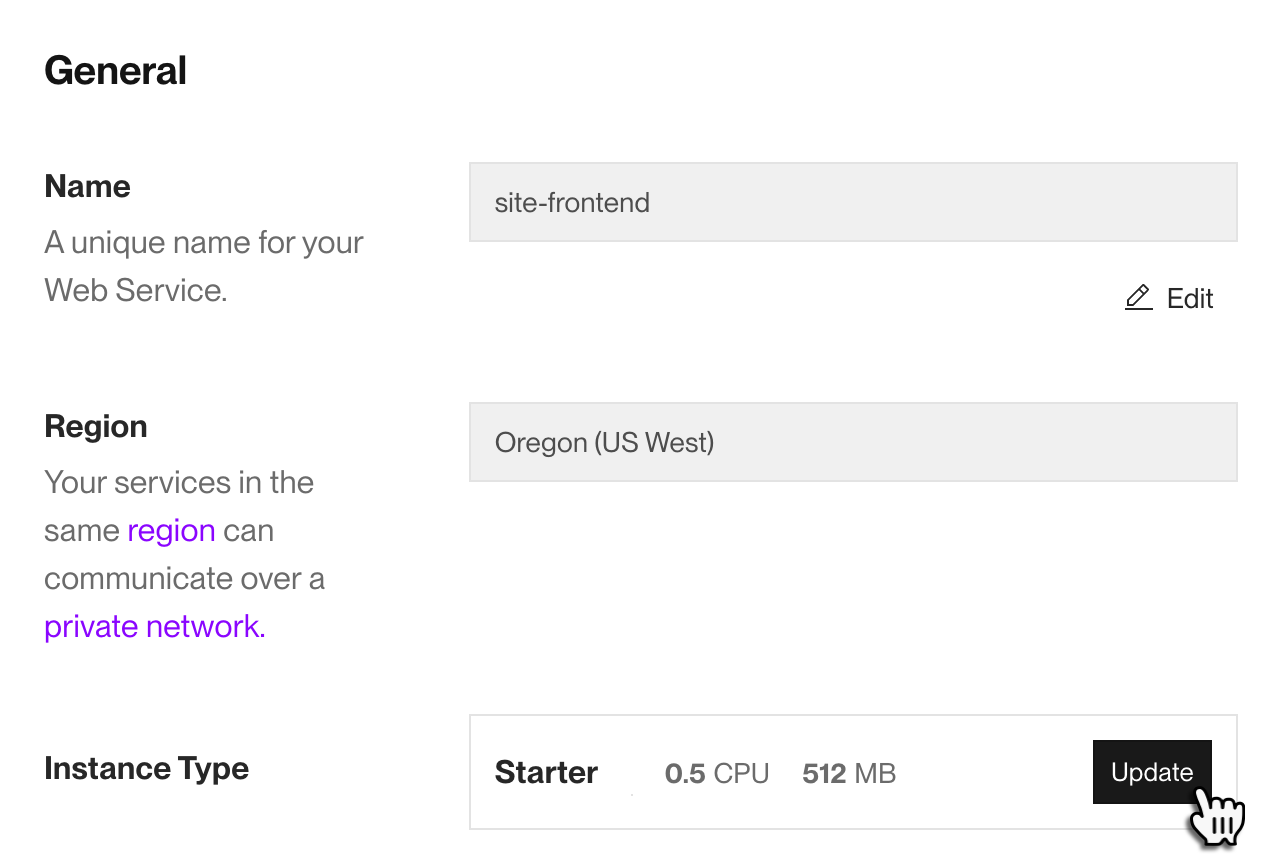
Under Compute, click Edit:
-
Select a new compute plan and click Save.

Render automatically triggers a deploy to apply the new compute plan.
Get started with the Render API.
-
Send a request to the Render API endpoint that corresponds to your service type:
- Update service (all non-datastore services)
- Update Postgres instance
- Update Key Value instance
In your request body, provide the new compute plan in the
planfield. For Update service, this field is nested underserviceDetails: -
For Update service, follow up with a request to the Trigger deploy endpoint to apply the new compute plan.
- The Update service endpoint does not trigger a new deploy.
In your Blueprint file (usually render.yaml), set your service's plan field to a new compute plan:
The next time you sync your Blueprint, Render triggers a deploy to apply the new compute plan.
Plan ID format
Each compute plan has a corresponding plan ID. Most plan IDs use the following format:
For example, the 1c-2g plan provides 1 CPU and 2 GB of RAM.
Exceptions include:
- The
freecompute plan - Paid compute plans with less than 1 GB of RAM
- These end in
mbinstead ofg(such as0.5c-512mb)
- These end in
- Plan IDs for Render Key Value
- These IDs only reflect memory (
256mb,1g, and so on)
- These IDs only reflect memory (
- Legacy plan names
Legacy plan names
Render introduced new compute plan IDs in August 2026. Before this change, compute plans were called "instance types" and they used a different naming format (Starter, Standard, Pro, and so on).
-
Legacy plan names remain valid across all Render tooling. This includes API requests and Blueprint files.
-
Each legacy plan name has a corresponding new plan ID. In all cases, specs and pricing are identical:
Legacy Plan Name Plan ID Key Value Plan ID Starter
0.5c-512mb256mbStandard
1c-2g1gPro
2c-4g5gPro Plus
4c-8g10gPro Max
4c-16g20gPro Ultra
8c-32g40g- For example, the Standard legacy plan name corresponds to the
1c-2gplan ID (or the1gplan ID for Render Key Value). - You can update your configuration to use new plan IDs at any time.
- For example, the Standard legacy plan name corresponds to the
Render Postgres has a separate set of legacy plan names (Basic-1gb, Pro-4gb, and so on). See the full mapping for Postgres under All plans.