Migrating production infrastructure? Get up to $10K in migration credits.
Apply nowHow OpenAI's DX team builds breakout apps on Render

The OpenAI Developers website and learn.chatgpt.com share documentation about OpenAI products and models for millions of builders. When its developer experience team shipped a conversational agent to generate custom use case guides, its platform needed to be ready to support hundreds of thousands of concurrent users at a moment's notice. They built it on Render Workflows.
Katia Gil Guzman and the OpenAI DX team build examples and experiences on Render that sit between OpenAI models and the developers who build with them. Despite shipping software that lives outside of OpenAI's homegrown infrastructure platform for its models and core applications, they still have to build for global scale.
With millions of page views on developers.openai.com every week and millions of followers, every launch has the potential to draw a massive surge in traffic. "We don't know ahead of time if something is going to take off," Katia says. "Sometimes it does, sometimes it doesn't. So we need to deploy everything to withstand that kind of traffic."
The gpt-oss playground was one of the first projects Katia shipped on Render that put that approach to the test. “After the gpt-oss-playground launch, I was confident we could use Render for building and scaling future initiatives, and handle whatever load our projects had," Katia recalls.
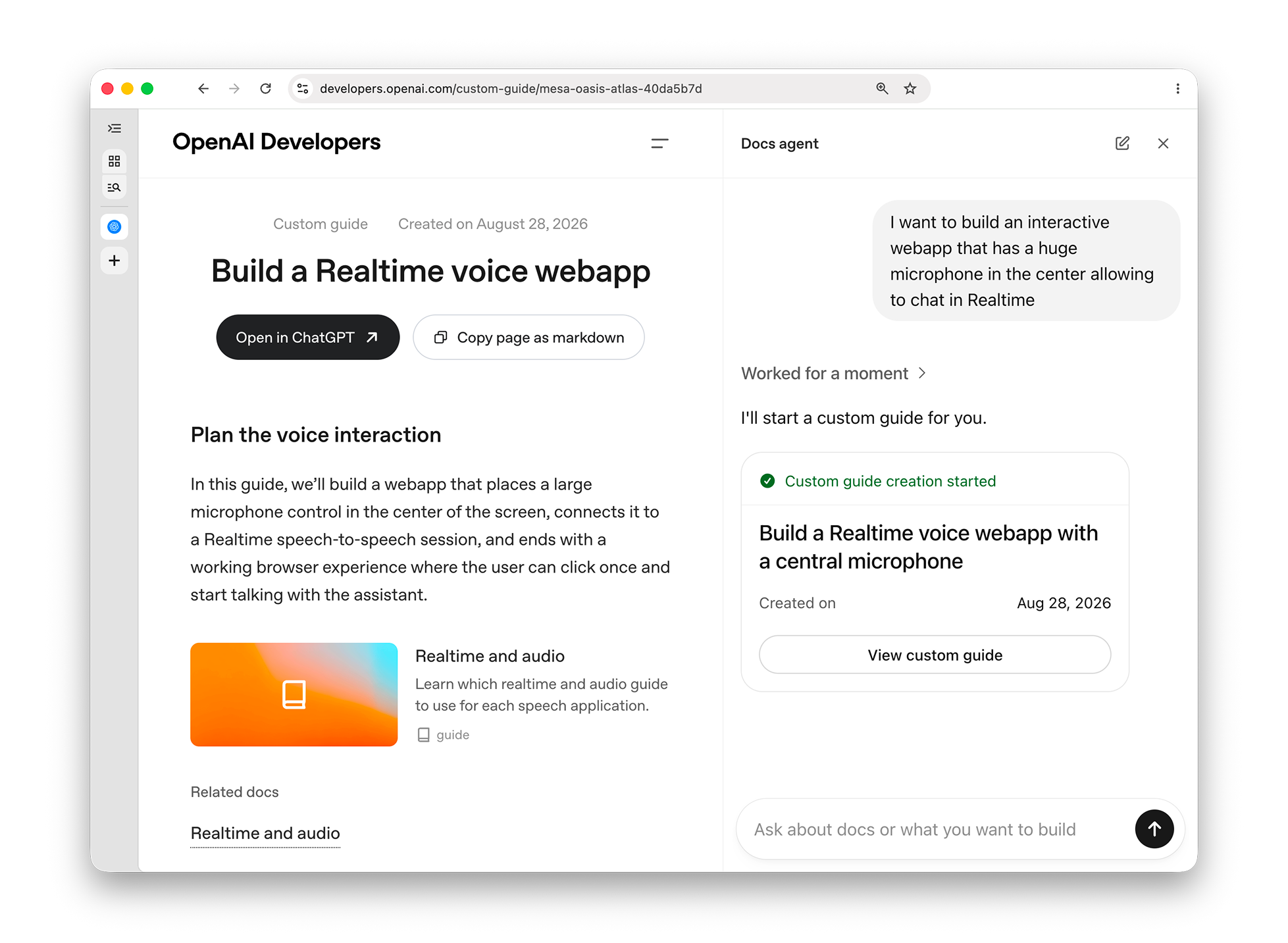
Render has become a core part of the OpenAI DX team's toolkit, supporting projects such as ChatKit Studio, a demo of OpenAI's open-source framework for conversational interfaces. Katia’s latest project is a docs agent that answers questions about OpenAI products and generates custom use case guides. "When someone wants to build something, instead of just saying 'hey, look at this generic doc,' I wanted it to create a dedicated guide for them," Katia says. The docs agent writes the guide, then hands it to Codex with a starter prompt, so you go from question to building in one motion. Katia's team shows developers what they can build with OpenAI's tools, and built this one the same way they'd want developers to build with Codex and Render themselves.
Scaling agent tasks with Workflows
Building that experience required some complex background orchestration. "Generating a guide takes about a minute, and you can't have the conversation just hang while that happens," Katia says. "I wanted the agent to do the work in the background and just tell you when the guide was ready."
Her first version handled it the classic way, with background workers pulling jobs from a queue alongside the agent's Python backend and database on Render. When she learned about Render Workflows, the fit was immediate. "It sounded like something that would suit our needs better," she says. Guide generation could be a few lines of code with the Render Workflows SDK, and durability was built in with retry logic defined in code for each task.
Codex one-shotted the migration
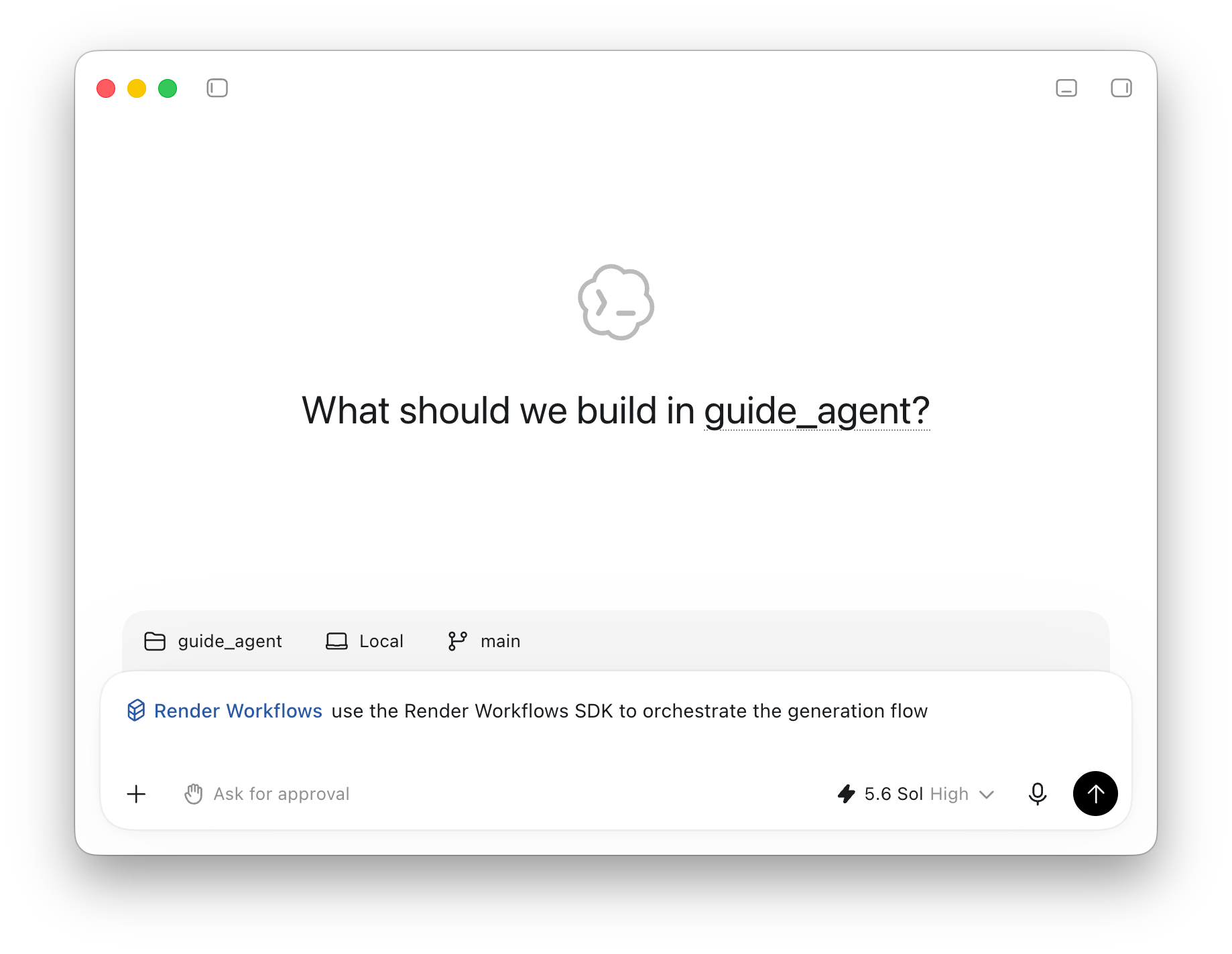
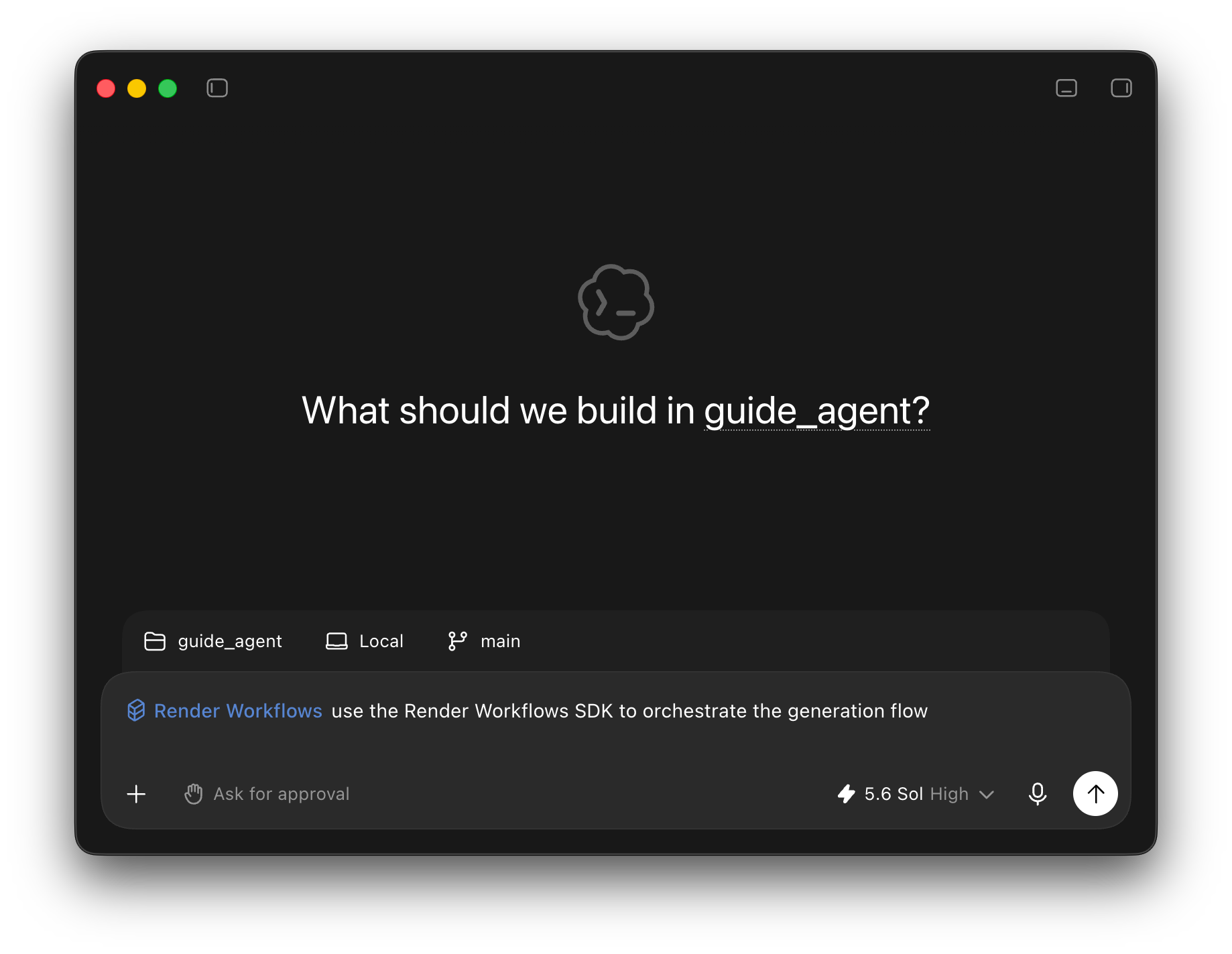
OpenAI built Codex to complete engineering tasks end-to-end, and migration work plays to its strengths. "Our models are really good at this kind of thing," Katia says. "I just asked Codex to take my queue-and-worker setup and turn it into a Render workflow. It was as simple as that."
Instead of handing back code to try, Codex worked against the live platform through Render's Codex plugin, one of a number of plugins OpenAI added to the Codex app, giving Codex direct ways to gather context and take action across a developer’s tools. It rewrote the background job as a workflow, created what it needed on Render, checked its own work, and told her how to deploy it. "Codex can iterate because it was using the Render plugin to create things," she says. "It told me how to run it, and that was it. It just worked."
The migration landed without Katia writing a single line of code. An infrastructure change she might once have scheduled a day for became one prompt with Codex.

Using Codex and Render to build… Render
Katia’s experience isn’t uncommon. Render’s own product and engineering teams use Codex heavily for its ability to reliably build and operate multi-service applications on Render. “We launched a plugin for the Codex desktop app on day one because we knew how powerful Codex could be for our customers and for our own team,” says Tej Chilukuri, product lead for Render’s agent ecosystem. “We use all of our own products in production, so with the Render plugin, Codex is able to help us reason about our own systems incredibly well.”
For Render engineers who use Codex to build every day, the draw also comes from the models themselves. "GPT-5.6 Sol is hardworking and persistent. It feels very linear and logical, and it keeps working until the problem is solved," says Dylan Boudro, a DX Engineer at Render who uses Codex primarily for full-stack TypeScript development. “With the Render plugin, the model is able to go beyond just writing code to actually help architect and debug the underlying infrastructure."
Shipping agents with Codex and Render
"Ultimately, our team's job is just to help developers build. And a lot of what they want to build now are agents that require this kind of long-running background work. It's great that Codex and Render Workflows make it so easy for them to build it," Katia says. With Codex able to reach directly into Render through its plugin, and Render Workflows built to handle the long-running, background-triggered tasks agents increasingly need, the path from idea to production keeps getting shorter and easier. If you're building agents that need this kind of durable, background work, give Render Workflows a try.

