Migrating production infrastructure? Get up to $10K in migration credits.
Apply nowChange your service's backing repo or image in the Render Dashboard
You can now change an existing service's backing Git repository or Docker image in the Render Dashboard. Previously, these changes required the Render API.
-
In the Render Dashboard, open your service's Settings page.
-
Under Build > Source, click Edit:
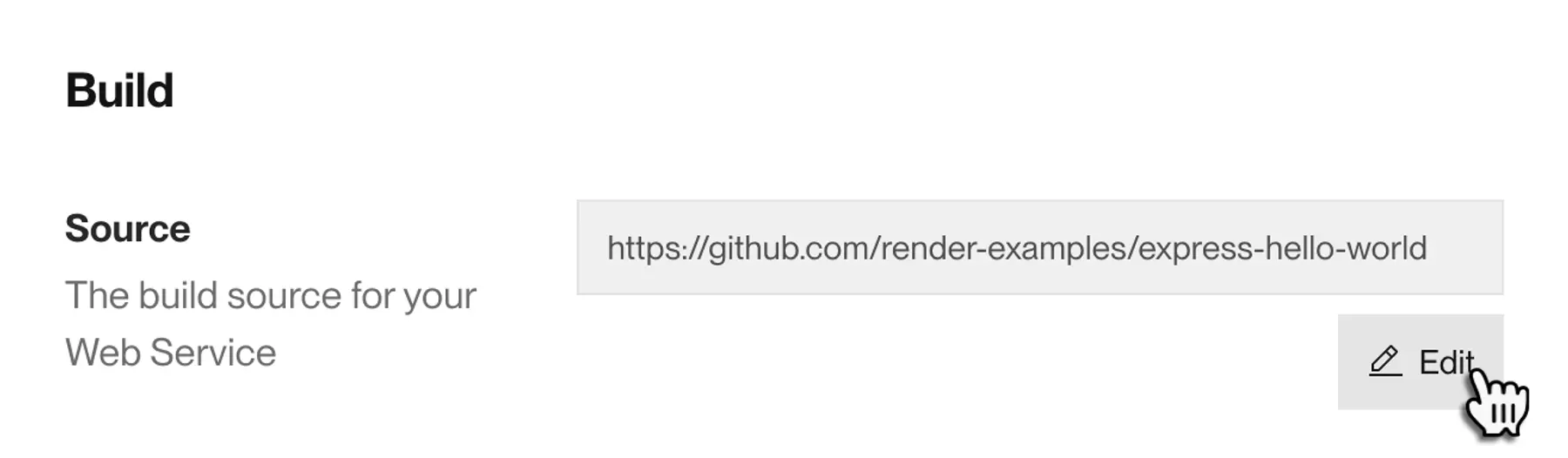
Editing a service's build source in the Render Dashboard The Update Source dialog appears.
-
Select a new build source.
-
If you're using a Git repo, confirm the Runtime, Build Command, and Start Command to use:
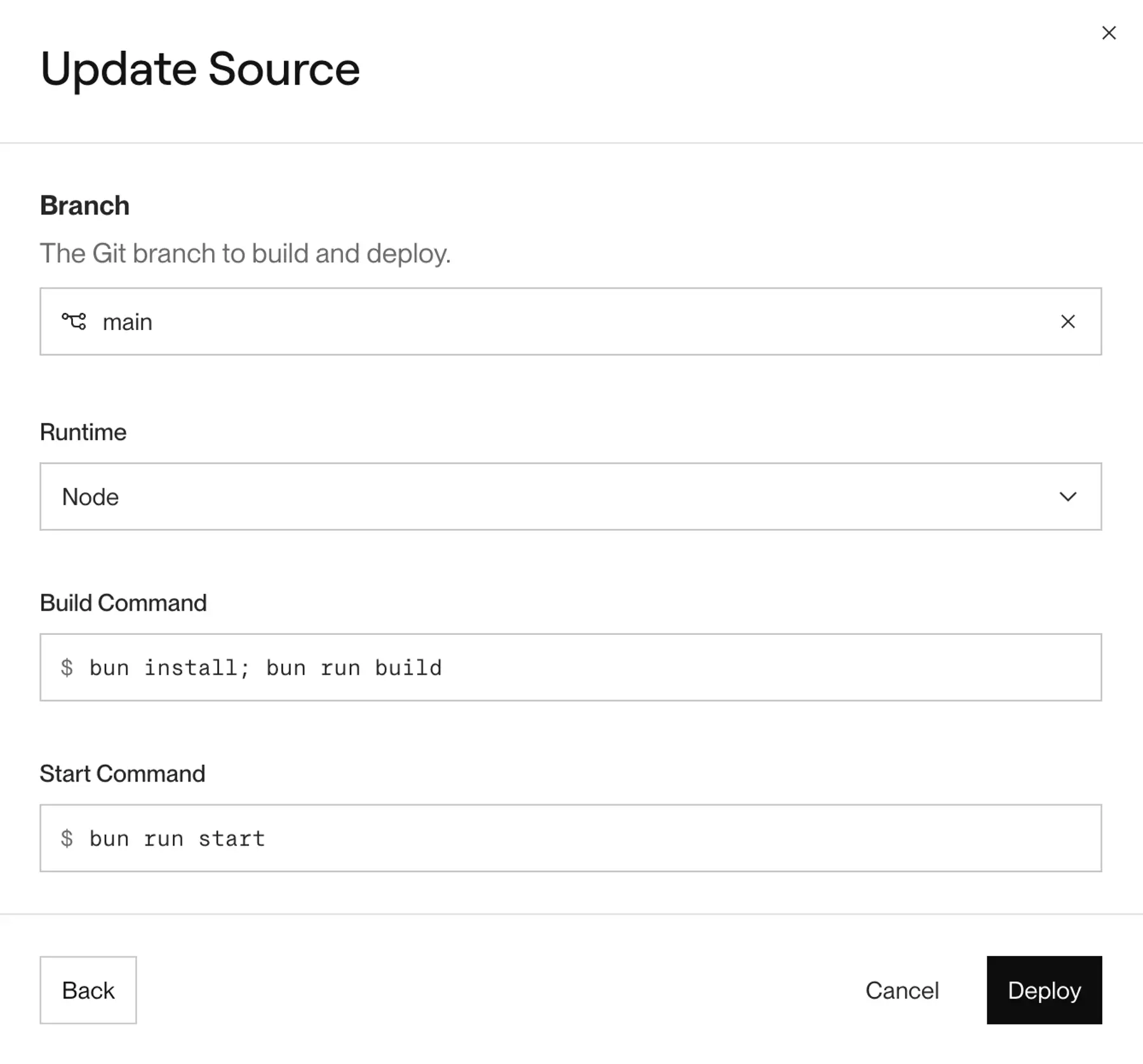
Selecting runtime, build command, and start command (For static sites, you specify your content's Publish Directory instead of a start command.)
-
Submit your changes.
Render automatically triggers a deploy using the new backing source.
Note that you cannot change an existing service's type (between web service, static site, and so on).