Migrating production infrastructure? Get up to $10K in migration credits.
Apply nowAdd connection pooling to your Render Postgres database
Paid Render Postgres databases now support connection pooling using PgBouncer at no additional cost. Enable connection pooling if your database needs to handle more concurrent client connections than its instance type allows:
Render runs PgBouncer on the same underlying host as your database to minimize the latency introduced by the additional hop.
Enable connection pooling from your database's Info page in the Render Dashboard:
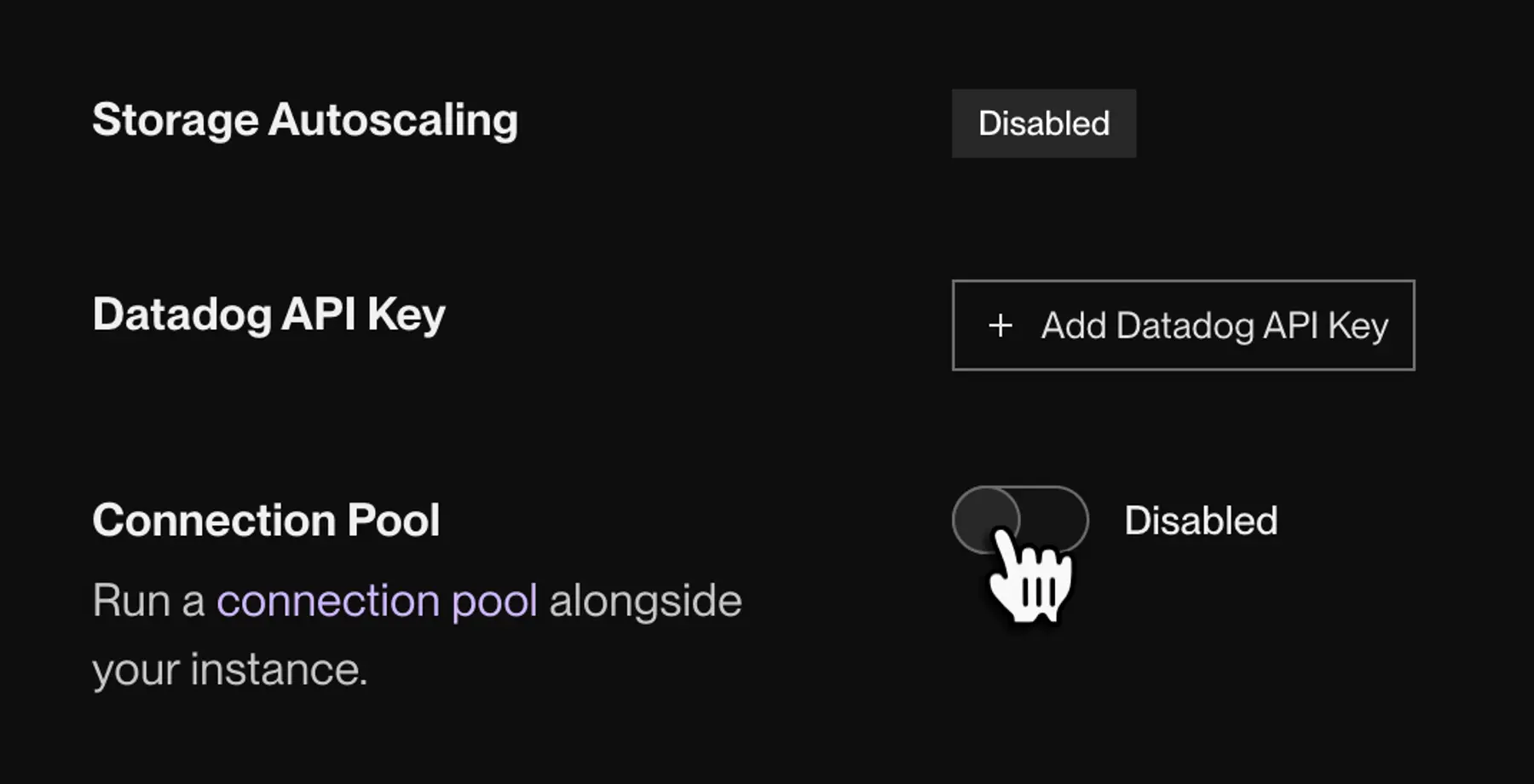
You can also enable connection pooling using Blueprints or the Render API.
Enabling connection pooling requires a database restart. After the restart, update your clients to use your database's new connection pool URL (port 6432) instead of its direct connection URL (port 5432).
Learn more in the documentation.