Railway vs GCP: Pricing, Infrastructure, and Production Risk
Most teams pick Railway because it's a fast way to get a repository live without thinking about infrastructure. The ones who go for Google Cloud Platform (GCP) do so because someone eventually asks about uptime, compliance, or scale. Both are reasonable answers to different problems. The mistake is picking one because it's the one you've heard of and finding out later it doesn't match how your app actually runs.
This piece walks through where each platform holds up in production, where the bill stops making sense, and what tends to force a migration.
TL;DR
- Railway is fast to ship on and well suited for prototypes, internal tools, and bursty workloads. Its status history shows a pattern of incidents, which is worth checking directly if uptime matters. Its usage-based billing also makes costs harder to forecast for always-on services.
- Google Cloud Platform offers global-scale infrastructure and mature managed services like Cloud SQL and Vertex AI. The tradeoff is that operating GCP securely requires DevOps expertise, and its granular billing model takes more work to forecast.
- If you want an integrated platform without GCP's operational overhead or Railway's database ownership, Render is a strong choice.
Quick Feature Comparison
Feature | Railway | Google Cloud Platform |
|---|---|---|
Primary Focus | Fast dashboard-driven deployments | Enterprise-grade global infrastructure |
Target Audience | Prototypes, internal tools, bursty apps | Enterprise workloads, global scale, ML |
Database Hosting | Container templates, PITR opt-in | Managed services (Cloud SQL, Spanner) |
AI/ML Support | Basic compute only | Vertex AI and specialized accelerators |
Pricing Model | Usage-based (vCPU + RAM) | Highly granular (Compute, Storage, Egress, NAT, etc.) |
Operational Overhead | Low (Dashboard-first) | High (Requires DevOps, IAM, VPCs, Terraform) |
Reliability | Public status page available | Public status page available |
How to evaluate platforms
The harder question to ask is what happens after launch, and that starts with your own traffic pattern. Steady load and spiky load land very differently on Railway's usage-based billing, so it's worth comparing before looking at either pricing page.
Then price out what the app needs beyond raw compute, like database backups, failover, and connection pooling. Railway asks less of you upfront but leaves more of that work to you later. GCP asks more from day one, since IAM, VPCs, and Terraform aren't optional, but that setup buys infrastructure built for scale.
What is Railway?
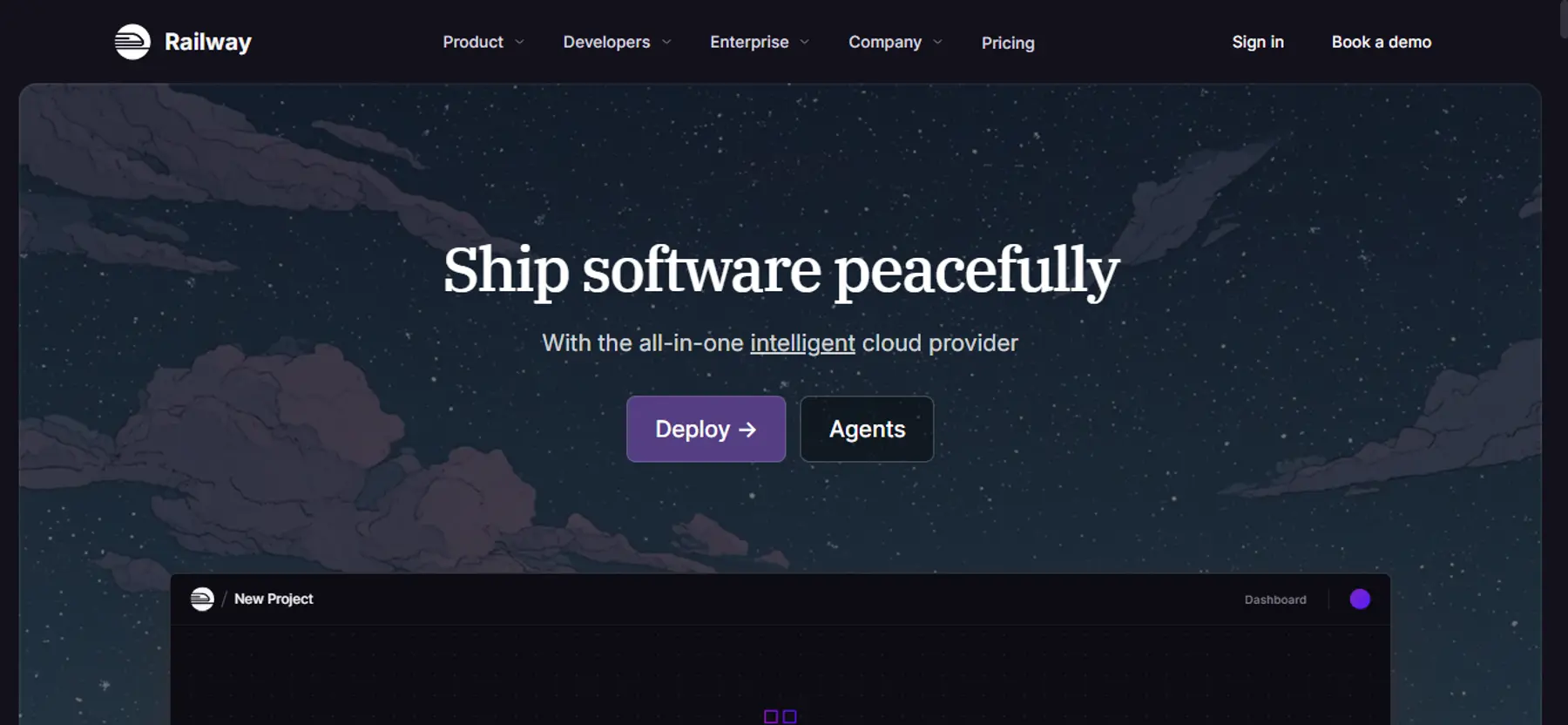
Railway builds a container from your repository and deploys it on a git push, using the Railpack engine to handle zero-config builds automatically. You don’t need a Dockerfile unless you want one. Databases, networking, and the app itself all sit in the same dashboard, so there's no separate service to configure or bill to check when something needs adjusting. That's usually why it's the first platform people try, and why teams keep it around for internal tools and side projects long after anything customer-facing has moved elsewhere.
Pricing runs on usage, billed by the second for compute and storage. A 30-day free trial gives $5 in credits, then it's a $1-a-month Free plan with tight limits, $5-minimum Hobby, or $20-minimum Pro, plus a custom Enterprise tier.
What is Google Cloud Platform?
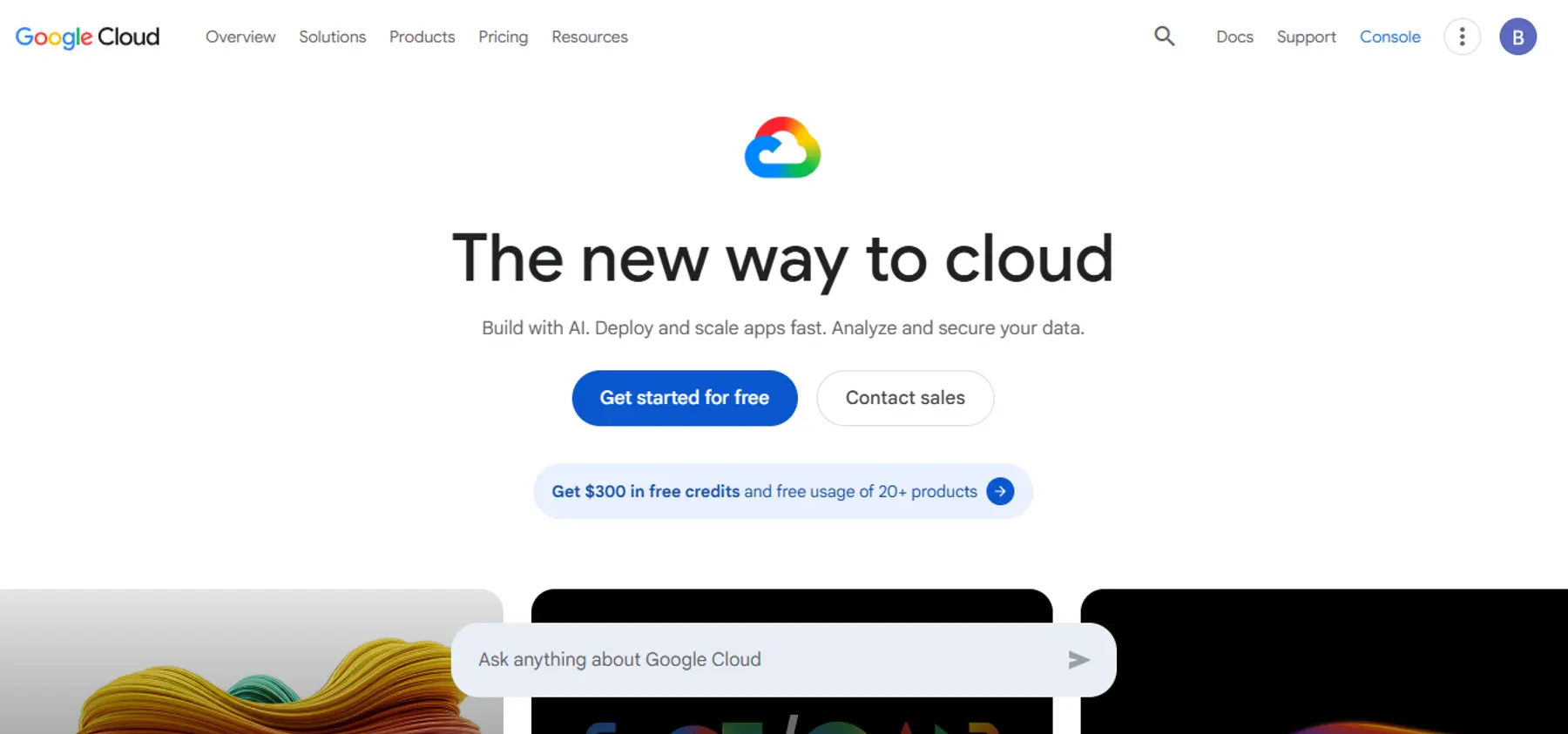
Google Cloud Platform is a catalog of services across compute, storage, networking, databases, and AI/ML infrastructure. It offers serverless containers like Cloud Run and fully managed databases like Cloud SQL and Cloud Spanner.
What sets it apart is depth. GCP is built for teams that need global reach, specific compliance certifications, or machine learning infrastructure through Vertex AI. It gives enterprises with dedicated infrastructure teams a level of granular control smaller platforms don't offer.
New accounts get $300 in free credits to start, and pricing after that is metered per service rather than one flat number.
Where Railway is stronger than GCP
No IAM or VPC setup
There's no IAM policy to write, no VPC to configure, and no separate Terraform layer to maintain before a service goes live. A database, a web service, and the network between them all get provisioned in the same dashboard, using the same login.
Preview environments built in
Preview environments come with the platform by default. On GCP, that kind of per-branch environment is something you build yourself, usually with Cloud Build and your own scripting.
Lower cost for small or unpredictable workloads
Railway bills for what a service actually uses, so a low-traffic app doesn't carry the cost of idle infrastructure. Cloud Run also scales to zero, so the real gap is what happens once the app is running. GCP's per-service pricing can beat Railway at real scale, but usually only after deliberate tuning, and many teams end up paying for infrastructure they've over-provisioned by default.
Support included in the plan
Railway's Pro plan includes direct support as part of the subscription. GCP's paid support tiers start separately, on top of infrastructure costs, and scale up from there depending on response-time needs.
Where GCP is stronger than Railway
Global network and content delivery
GCP runs its own global network and Cloud CDN, with deep peering and edge tools like Cloud Armor built on top. Railway now has a CDN too, which is opt-in and free on every plan, but it doesn't attempt to match that depth yet.
Managed databases with production defaults
Cloud SQL and Cloud Spanner turn on backups, point-in-time recovery, and high availability by default. Railway now runs automatic backup schedules too, and offers point-in-time recovery for Postgres, but PITR has to be turned on per service rather than being on by default. Spanner still leads on high availability at scale, with automatic multi-region, active-active replication that Railway's HA setup doesn't match.
AI and ML infrastructure
Vertex AI provides managed infrastructure for training and serving machine learning models, including GPU and TPU access. Railway doesn't offer GPU compute, so heavier ML workloads still don't fit its platform.
Reliability and compliance
GCP holds a broad set of compliance certifications, including FedRAMP alongside standards like SOC 2 and HIPAA. Railway now offers SOC 2 and HIPAA BAAs on its Enterprise plan too, so the real gap is depth and breadth at GCP's scale.
Where Railway introduces production risk
Railway's speed comes with tradeoffs once a service moves beyond prototyping.
Incident history spans several systems
Railway's public status history shows incidents have occurred over time across builds, deployments, networking, and workload connectivity.
If you have strict uptime requirements, this pattern should factor into platform risk review. Review the current status history directly rather than relying on point-in-time snapshots.
Pricing is easy to start with, harder to forecast for steady workloads
Railway's pricing is usage-based, charging for vCPU and memory consumption. That model works well for bursty or uneven workloads. For always-on services, it’s less predictable than fixed container pricing.
By default, there's no spending ceiling, so a memory leak or traffic spike shows up directly on the invoice. You can set a usage limit instead, but hitting it shuts the service down rather than throttling it.
Databases require more hands-on management
Railway offers PostgreSQL, MySQL, and Redis as container templates, along with a high-availability Postgres option built on Patroni. Connection pooling comes built in now too. Point-in-time recovery is still opt-in per service rather than on by default, so it’s one more setting you have to remember to turn on before it matters.
Long-running workloads face HTTP timeout limits
Railway's public networking caps HTTP requests at 15 minutes. That might not be a constraint for standard web services, but long-running inference tasks or synchronous AI workloads might struggle. Getting around it usually means a different compute model or an architectural workaround.
Where GCP introduces operational overhead
GCP's power comes with costs that are not always visible in the pricing calculator.
DevOps expertise is effectively required
Operating GCP securely requires managing IAM policies, configuring VPC networking, and often maintaining Infrastructure-as-Code deployments. Cloud Run has a built-in Cloud SQL connector now, so the basic wiring is lighter than it used to be. But the service account still needs the right IAM role, and production setups still lean on Secret Manager once more than one service is involved.
Unless you have dedicated DevOps capacity, that integration work pulls engineering focus from product development.
Billing complexity is worth budgeting for
GCP's billing is granular, with separate charges for compute, storage, egress, and ancillary services. Network pricing documentation describes NAT gateway processing fees, unattached persistent disk charges, and egress costs, so it's worth tracking these line items as usage grows.
Startup credits offset early costs, but total cost of ownership at list price is worth planning for beyond the initial estimate.
Serverless offerings have their own limitations
Cloud Run is simpler than GKE, but it was built for stateless workloads. Jobs now cover batch work and GCS volume mounts are supported, so the gap has narrowed. But a full-stack app with databases and background workers still means stitching several services together.
No single dashboard
Compute, databases, logging, and monitoring each live in their own console. Getting the equivalent of Railway's one-screen view of logs and metrics means setting up Cloud Monitoring and Cloud Logging separately, on top of everything else that is already running.
When Railway still makes sense
Railway is suitable for:
- Small teams with no one to own IAM, VPCs, or Terraform
- Agencies spinning up a new project per client
- Teams that want a live preview on every pull request
- New engineers deploying without an infrastructure model to learn first
When GCP still makes sense
GCP is a good choice for:
- Enterprise workloads that require global infrastructure or specific managed services
- Teams with dedicated DevOps capacity who can absorb the operational overhead
- AI and ML applications that benefit from Vertex AI and GCP's compute scale
- Organizations already invested in the Google Cloud ecosystem
When it’s time to move on
Switching platforms costs time and money, so it's worth doing only when something concrete is broken. Whether you are outgrowing an initial PaaS or evaluating Firebase alternatives for production backends, a migration is usually forced by scaling constraints.
On Railway, it's when you're checking the status page more than you used to, or when an always-on service's bill starts moving in ways nobody can predict from month to month. It can also be when PITR and connection pooling have been sitting there unused because nobody got around to turning them on, or when the 15-minute request limit starts forcing workarounds.
On GCP, it's usually a team spending more hours wiring IAM, VPCs, and Terraform than shipping the actual product, or a bill arriving with line items nobody budgeted for. It also shows up when what the team really wants is managed databases and background workers in one place instead of five services stitched together.
What does Render offer that Railway and GCP don't?
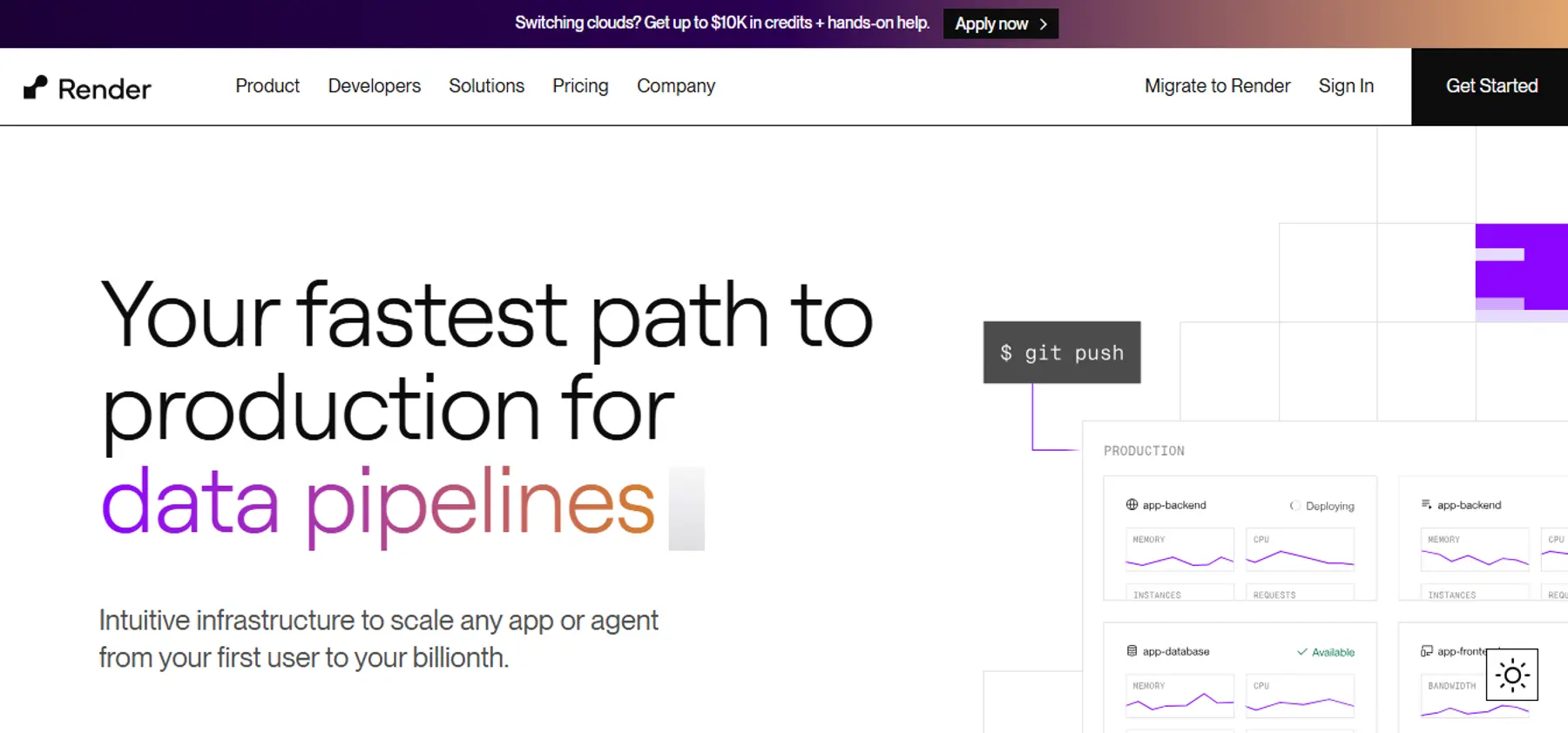
What Render actually changes is where the decisions live. Instead of choosing between Railway's dashboard simplicity and GCP's service sprawl, you get backups, connection pooling, background workers, private networking, and Redis-compatible key-value storage in one control plane.
Features worth evaluating for production workloads:
- Zero-downtime deploys for supported services
- Managed Postgres with point-in-time recovery and connection pooling included at no extra cost
- High availability on higher-tier database instances
- Native pgvector support for AI applications requiring vector search
- Private networking for services in the same region and workspace
- Dedicated Background Workers for long-running async processes
- Render Workflows for durable, multi-step processes
- Native Python runtime support alongside Docker for AI workloads
- SOC 2 Type 2 and ISO 27001 certification, with HIPAA available for teams that need it
As of the current pricing page, Render's workspace plan includes workspace-level pricing plus compute. Teams should verify current pricing directly on the Render pricing page, as rates and plan structures may change.
Customers like Fey cut $72,000 a year in infrastructure and AI costs after moving their stack to OpenAI, Inngest, and Render together.
Conclusion
Railway gets you shipping fast, with backups and connection pooling as settings you can turn on when you're ready. GCP gives you infrastructure that holds up at real scale, once IAM, VPCs, and Terraform are in place.
The right fit for you comes down to what you're building, how much of that setup you want to own, and how it needs to hold up once it's live.
If you want fewer moving parts, clearer production defaults, and an integrated app and data platform, Render is the better fit.