Railway vs Heroku in 2026: Pricing, Reliability, and Production Tradeoffs
Railway vs Heroku in 2026: Pricing, Reliability, and Production Risk
Railway and Heroku both let you deploy without managing raw infrastructure. The more useful question is what happens after launch, when uptime, deploy behavior, billing clarity, and database ownership matter more than time-to-first-deploy.
This piece compares the two on pricing, operational overhead, and production risk, so you can decide which one to trust with a production workload.
TL;DR
- Heroku offers established deployment workflows, Pipelines, Review Apps, managed Postgres, and compliance-oriented tiers. The tradeoff is higher pricing and constraints like 30-second request timeouts, ephemeral dyno filesystems, and daily dyno restarts.
- Railway is fast to ship on, and its developer experience suits early-stage apps, prototypes, side projects, internal tools, and bursty workloads. But its public status history shows a pattern of incidents across the platform, and its usage-based billing requires more work to predict for steady services.
- If you want fixed compute pricing, app services, workers, cron jobs, managed datastores, private networking, and preview environments in one platform, consider Render instead.
How to weigh the tradeoffs
For production apps, reliability and deploy behavior usually matter more than first-deploy convenience. If your service is customer-facing, always on, or attached to data you cannot casually recreate, a platform's incident pattern and operational model should carry more weight than the polish of its onboarding flow.
Pricing is the next filter. Heroku is a better fit when stability and compliance matter more than cost, and you can absorb its higher prices. Railway is suited when your workload is smaller, burstier, or earlier-stage, and a usage-based model matches how your app actually runs.
Railway vs Heroku comparison
Area | Railway | Heroku |
|---|---|---|
Best fit for | Fast starts, early-stage apps, and bursty workloads | Established PaaS workflows, managed Postgres, add-ons, and compliance options |
Pricing model | Usage-based CPU, memory, volume, and egress pricing, with plan minimums and included credits on paid plans | Fixed dyno pricing plus separate database, add-on, and enterprise-tier costs |
Entry point | A 30-day trial with a one-time $5 credit, then a free plan or a $5/month Hobby tier with included usage | Eco tier, a flat $5/month for a shared pool of dyno hours across your apps |
Deploy workflow | GitHub and CLI deploys, plus deployment queuing during high-traffic pauses unless the workspace has Pro bypass | Pipelines, Review Apps, Preboot on eligible dynos, and a long-established dyno workflow |
HTTP request limit | 15-minute max duration on public networking | 30-second router timeout for web requests, longer for streaming responses |
Persistent storage | Volumes are available, including for database templates | Dyno filesystems are ephemeral, so persistent files require an external service |
Postgres model | Database templates and a Patroni-based HA Postgres template, with PgBouncer added separately if you need pooling | Managed Heroku Postgres product with plan-specific HA, rollback, and PITR capabilities |
Reliability signal to review | Public status page available. Verify directly | Public status history, now tracked via Salesforce Trust. Worth checking directly. |
What is Railway?
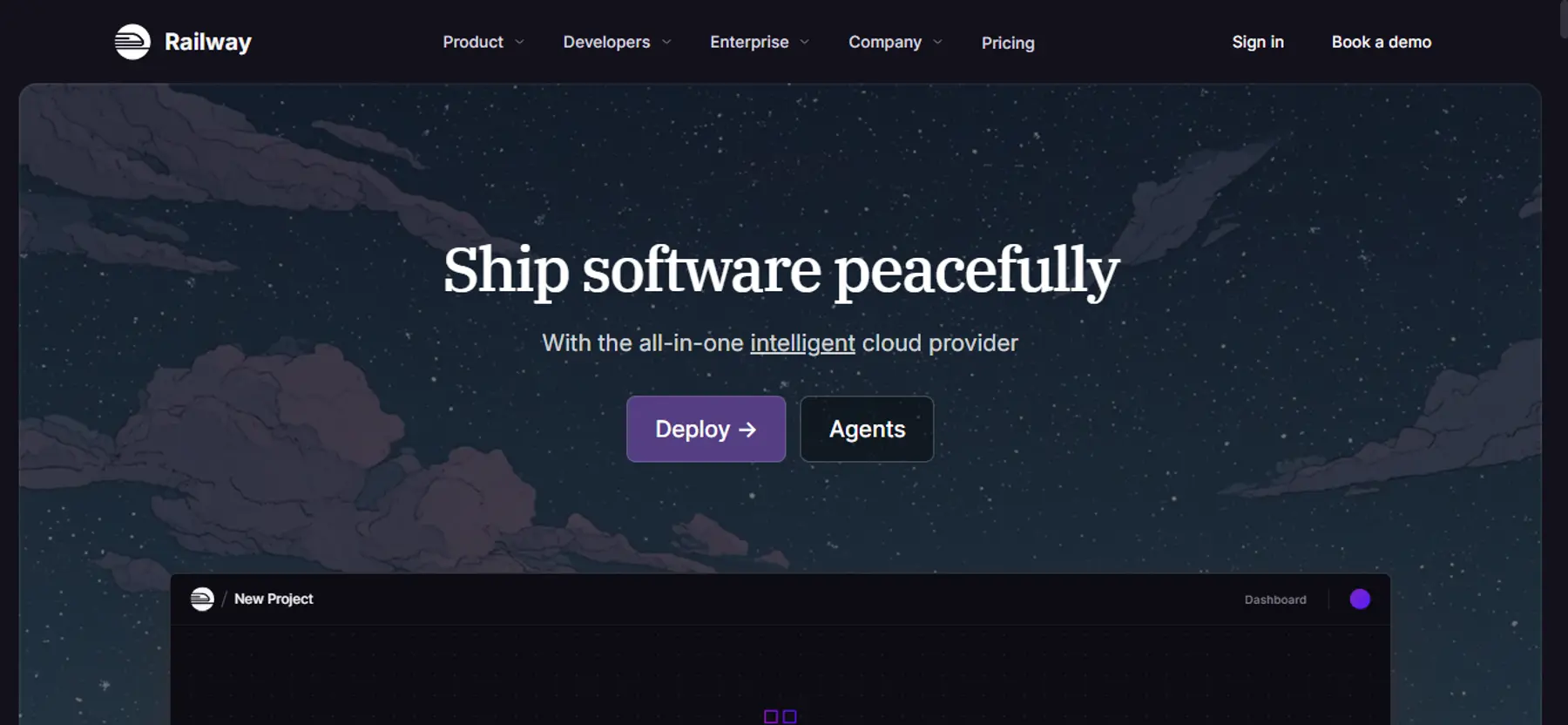
Railway is a deployment platform built for fast setup, Git-based workflows, and usage-based billing. If you don’t have a Dockerfile, it builds your app using Railpack instead and gives you a visual project canvas for managing services and databases.
Its biggest strength is the developer experience. Railway makes it easy to ship your first app. Provisioning, environment variables, builds, and logs all sit in one dashboard, and deploys are triggered on git push.
Railway lists a 30-day trial with $5 in credits for new users. After that, you can stay on a free plan or move to a $5/month Hobby tier with included usage. Either way, it's worth checking Railway's current plan limits, since projects, services, regions, custom domains, logs, and resource ceilings vary.
What is Heroku?
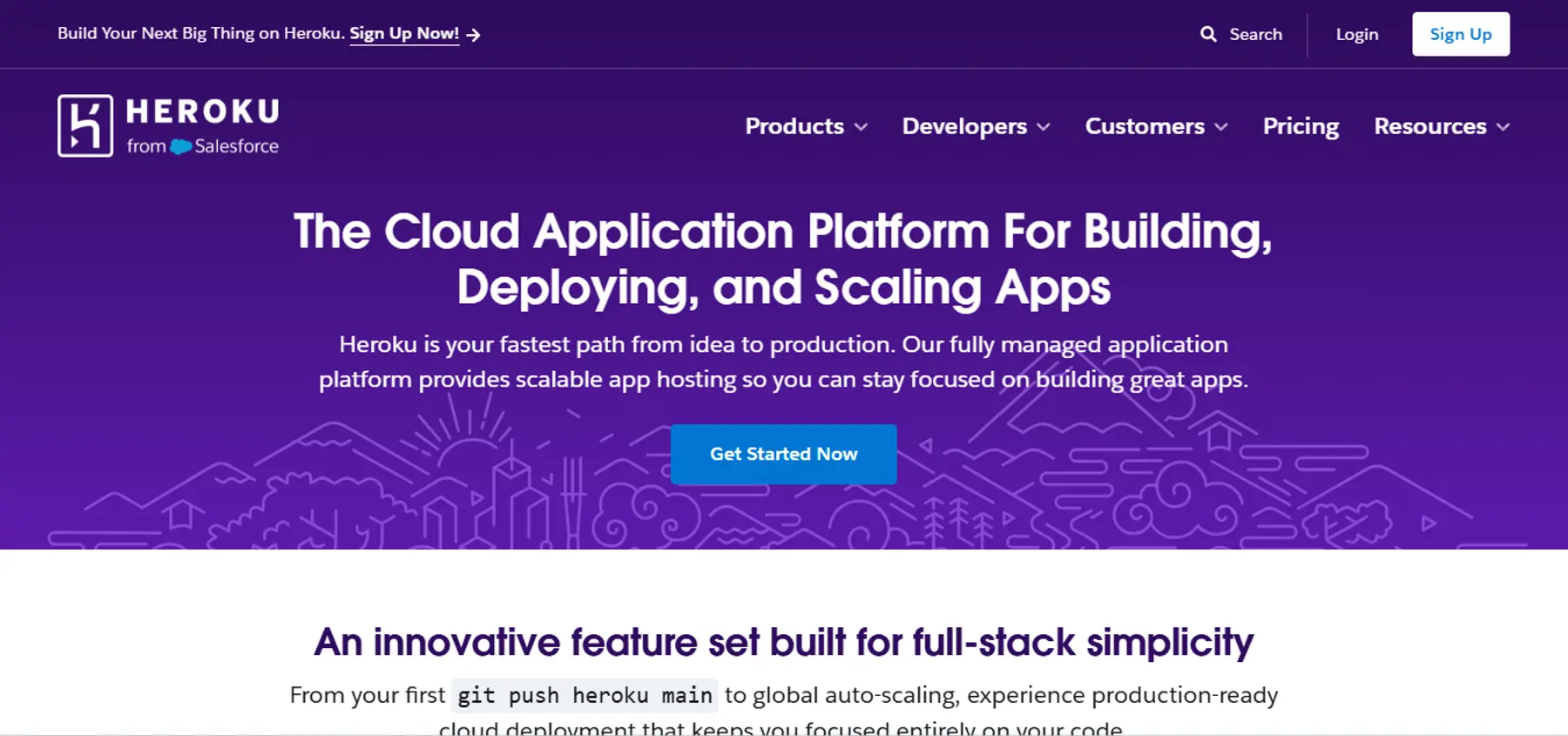
Heroku is a cloud platform that packages your app into lightweight, isolated Linux containers called dynos, then handles the deployment for you. It runs on two generations. The established Cedar generation includes the Heroku-22 and Heroku-24 stacks. Fir is the newer generation, built on Kubernetes and Cloud Native Buildpacks.
What makes Heroku worth considering is how much it's already figured out for you. Pipelines give you structured CI/CD, and Review Apps spin up a temporary test environment automatically. If your workload is compliance-sensitive, Heroku Shield also offers HIPAA- and PCI-oriented infrastructure.
That said, the platform has real edges you'll bump into. The router enforces a 30-second timeout on requests, and dynos restart at least once per day. There’s also no native persistent disk storage for dynos, so anything you need to persist has to live somewhere else.
Heroku still serves a large base of enterprise and smaller teams, though new enterprise contracts are closed for now. Self-serve customers can still sign up as usual, starting with the Eco tier at a flat $5/month for a shared pool of dyno hours. It doesn’t offer a free plan, though. Salesforce announced in February 2026 that Heroku is moving to a Sustaining Engineering model, which prioritizes stability and security work over new feature development. If you're evaluating Heroku, factor that in alongside newer work like the Fir stack.
Where Railway is stronger than Heroku
If speed and cost control matter more to you than established process, Railway pulls ahead in three places.
Native persistent storage and longer request windows
Railway lets you attach a persistent volume to any service, so your app can write to disk and keep that data across restarts and deploys. Heroku's dyno filesystem is ephemeral, so anything you don't move to external storage disappears on every restart. Railway also allows requests to run up to 15 minutes on public networking, well past Heroku's 30-second timeout on standard requests, so you have more room before you need to move work into a background job.
Usage-based pricing that scales down with you
Railway meters by the vCPU-second and RAM-GB-second, so your bill tracks what you've actually used rather than a flat rate. Scale a service down, and the cost drops with it. Heroku's Standard and Performance dynos charge a fixed hourly rate no matter how much traffic they're handling. Railway also has an ongoing Free plan after your trial ends, capped at $1 of credit a month. Heroku has no free plan. Its cheapest option is the $5/month Eco tier.
Faster builds and simpler day-to-day iteration
Railway builds your app automatically with Railpack, no Dockerfile required, and gives you a visual canvas for managing services and databases side by side. Heroku's basic git-push deploy is just as simple, but if you add Pipelines and Review Apps for staged releases, that structure adds steps between a commit and a live deploy that Railway doesn't require.
Where Heroku is stronger than Railway
Heroku has three advantages if you'd rather lean on established workflows than move fast.
More established production workflows
Heroku's been around long enough to have a real track record with dynos, add-ons, and enterprise-oriented tiers. If you're running customer-facing services where release process and compliance posture actually matter, that track record can be worth paying more for.
Structured CI/CD with Review Apps
Heroku Pipelines give you a structured deployment workflow with staging environments and automatic Review Apps. Railway leans on GitHub integration and CLI deploys instead, and doesn’t offer the same level of built-in pipeline tooling.
Managed Postgres with clearer production tiers
Heroku treats Postgres as a separate managed product, with plan-specific high availability, rollback, and point-in-time recovery capabilities. Railway gives you database templates that run with attached volumes. It also offers a Patroni-based HA Postgres template, but connection pooling isn’t included. If you want pooling, you’ll need to add PgBouncer separately.
Where Railway introduces more production risk
Railway's speed comes with tradeoffs once a service is in production.
Reliability record shows a pattern of incidents
Railway's public status history shows incidents across deployments, builds, dashboard access, logs and metrics, edge networking, and workload connectivity.
What matters more than any single outage is the spread of affected systems. Build delays, slower deployments, regional networking degradation, dashboard log failures, delayed metrics, and intermittent connectivity problems have all shown up at different points.
Past incidents have also shown that Railway's control-plane dependencies can spread beyond a single cloud provider, since routing relies on a shared API. When that dependency has issues, workloads on other providers can be affected too, once cached routes expire. That's worth checking directly on Railway's status page before you commit a customer-facing workload to it.
Deployment throughput is conditional on plan and platform load
Railway's deployment docs state that during a high-traffic pause, new deployments are queued instead of processed immediately, while Pro users can bypass the queue.
For hobby usage, that’s a reasonable tradeoff. In production, it turns deployment priority into a plan and platform-load question.
Pricing is harder to forecast for steady workloads
Railway charges per active vCPU-second and RAM-GB-second on top of a base plan. That can work well for bursty workloads, but it’s less predictable than fixed container pricing if you’re running something always-on.
Railway can cost less for workloads that scale to zero or run intermittently. For steady traffic, forecasting your monthly spend requires more attention than it would with fixed pricing.
Where Heroku introduces friction
Heroku's stability comes with its own tradeoffs.
30-second request timeout
Heroku's router enforces a 30-second timeout on all requests. If your app needs extended processing, you'll need to move that work into a background job instead.
Daily dyno restarts
Dynos restart at least once a day. For most web services, this isn’t a problem, but it can disrupt long-running processes or in-memory state.
No native persistent storage
Heroku doesn’t offer persistent disk storage for dynos. If your service is stateful and needs local disk access, you require an external storage solution.
Higher pricing
Heroku's pricing is predictable but runs higher than alternatives as your workload scales. As of June 2026, Heroku lists a Standard-2X dyno at $50/month with 1 GB of RAM, while its Performance-M dyno is listed at $250/month with 2.5 GB of RAM and dedicated compute.
Network isolation requires expensive upgrades
Heroku's Common Runtime doesn’t offer strong network isolation by default. Achieving VPC-level isolation and compliance for standards like HIPAA or PCI requires upgrading to Heroku Private Spaces or Shield tiers, both significantly more expensive.
When you should stick to Railway
Railway is still a good fit for:
- Early-stage products where shipping speed matters more than formal production controls
- Internal tools, demos, and side projects
- Bursty or intermittent workloads, so usage-based billing matches how your app actually runs
- Teams comfortable owning more operational setup for databases
When you should stick to Heroku
Heroku is a good choice when:
- Applications are already standardized on Heroku workflows, add-ons, or Salesforce integrations
- You need Heroku Shield compliance guarantees for PCI or HIPAA
- Stability matters more than cost, and higher pricing is something you can absorb
- You value structured CI/CD with Review Apps and Pipelines
When you should move on from the platform
Switching platforms takes real time and effort, so it's worth doing only when a specific problem is already costing you, not just because a better option exists on paper.
For Railway, here are a few reasons that make migrating a viable choice:
- Queued deploys or delayed builds have already affected a release window
- The status-history pattern is now part of your platform risk review
- Compute spend is getting harder to forecast for always-on workloads
- The database setup still asks you to make more reliability decisions than you’d like
For Heroku, the signal is usually constraint friction:
- The 30-second timeout is forcing you to rearchitect for background processing
- The pricing premium is no longer justified by stability alone
- You need persistent disk storage or longer-lived HTTP connections
- You want managed databases with features like follower databases without moving into a separate high-cost tier or add-on model
What does Render offer that Railway and Heroku don’t?
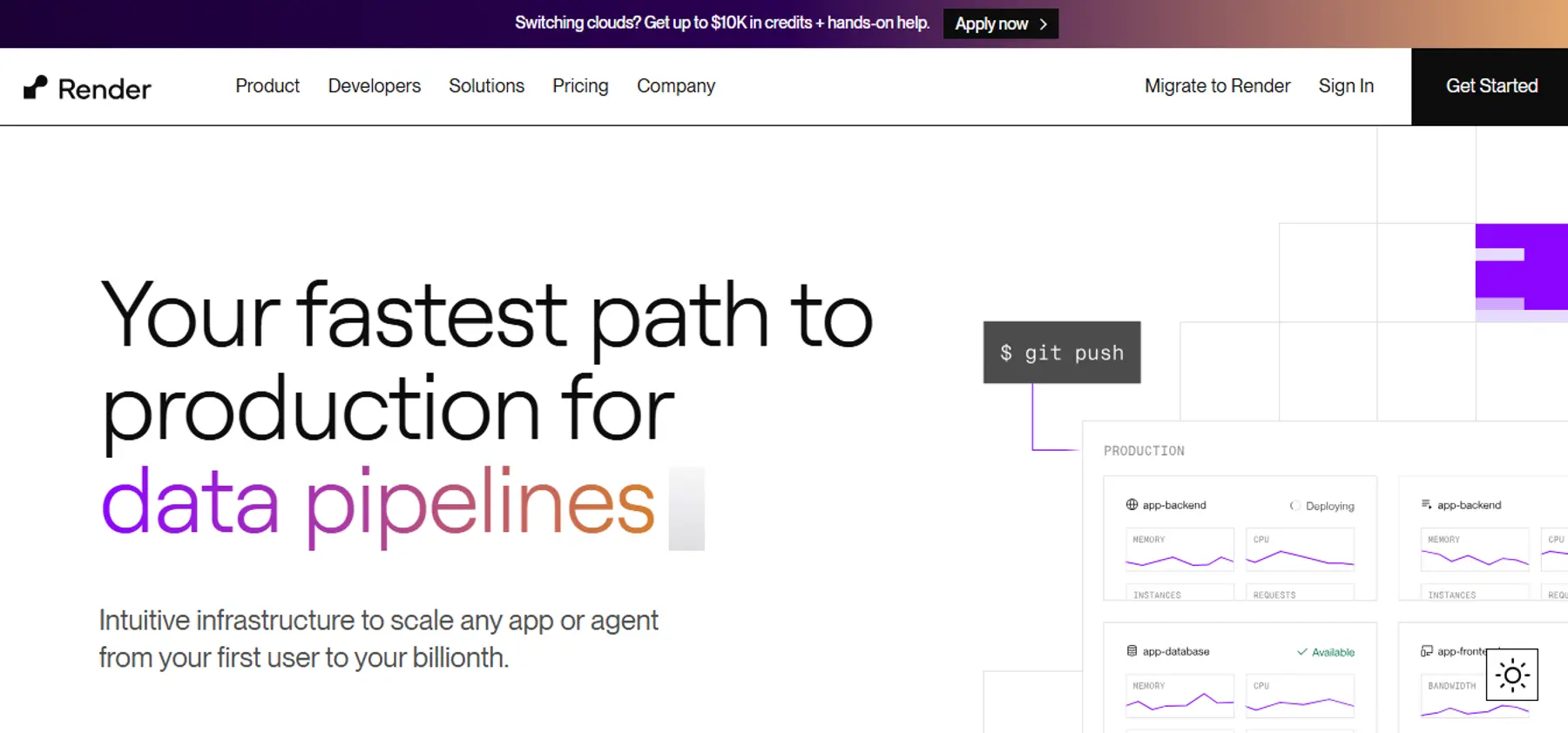
Production features worth checking include:
- Long-lived HTTP and WebSocket connections for workloads that don’t fit Heroku's 30-second request model
- Zero-downtime deploys for supported services, except services with attached persistent disks
- Native persistent disks for stateful services
- Managed Postgres with point-in-time recovery for paid databases, high availability on Pro or Accelerated database instances, and read replicas
- Private networking for services in the same region and workspace
- Native background workers, cron jobs, preview environments, and Blueprints for multi-service apps
Render's compute pricing uses flat service instance rates. As of June 2026, a Render Standard web service with 2 GB of RAM and 1 CPU is listed at $25/month. By comparison, Heroku’s Standard-2X is $50/month with 1 GB of RAM, and Performance-M at $250/month with 2.5 GB of RAM and dedicated compute. Those aren't perfectly equivalent resources, so it's worth comparing CPU model, memory, scaling needs, and database costs together rather than the sticker price alone. Teams that have made the move report meaningful savings: Hodinkee cut costs by 56% and BeerMenus saved 35% after migrating from Heroku.
If you’re migrating from Heroku, Render provides an official Heroku CLI migration plugin and dedicated support for minimal-downtime Postgres migrations. When ReadMe migrated its infrastructure from Heroku to Render after 8 years, the cutover came with about 90 seconds of hard downtime.
Conclusion
Railway remains a good choice for early-stage workloads and variable compute. Its status history, deployment behavior during pauses, and more hands-on database posture mean you should evaluate it beyond first-deploy speed.
Heroku has established workflows, but its 30-second timeouts, daily dyno restarts, lack of persistent storage, and higher pricing create friction once you’ve outgrown its constraints.
If you want fixed compute pricing, long-lived HTTP and WebSocket connections, managed databases with plan-qualified failover and PITR, and one place for app services, workers, cron jobs, previews, and private networking, Render is worth considering as the next step.
See Render’s pricing page for full details, or read the Heroku migration guide.