OpenClaw starts from a specific premise: your personal AI assistant should run on machines you control. Local-first. Single-user. Always-on. Reachable through the channels you already use.
But personal infrastructure gets weird fast. Your laptop sleeps. You travel. Someone messages your bot from another time zone. A cron job needs to fire on its schedule, not whenever you open the lid again.
AlphaClaw, built by Chrys Bader, is OpenClaw in a hosted shape that keeps the original model intact. Same assistant. Same channels. Same workspace. Different failure mode.
It wraps OpenClaw with a setup wizard, a watchdog that restarts the gateway and runs openclaw doctor --fix when startup checks fail, a browser file explorer, hourly Git-backed workspace commits, and a UI for pairing channels and managing environment variables.
The interesting part is not that OpenClaw can run in the cloud. It is preserving a personal-agent workflow after the process leaves your laptop.
OpenClaw is powerful, but it can be tedious to set up and get all of your services connected. I built AlphaClaw to reduce the headaches of managing an agent, including connecting 3rd party services and increasing the visibility and reliability around agent behavior.
One-click deploy
We worked with Chrys to publish AlphaClaw in the Render template hub. The deploy form only asks for SETUP_PASSWORD. Render generates OPENCLAW_GATEWAY_TOKEN and WEBHOOK_TOKEN, and the template sets PORT to 3000.
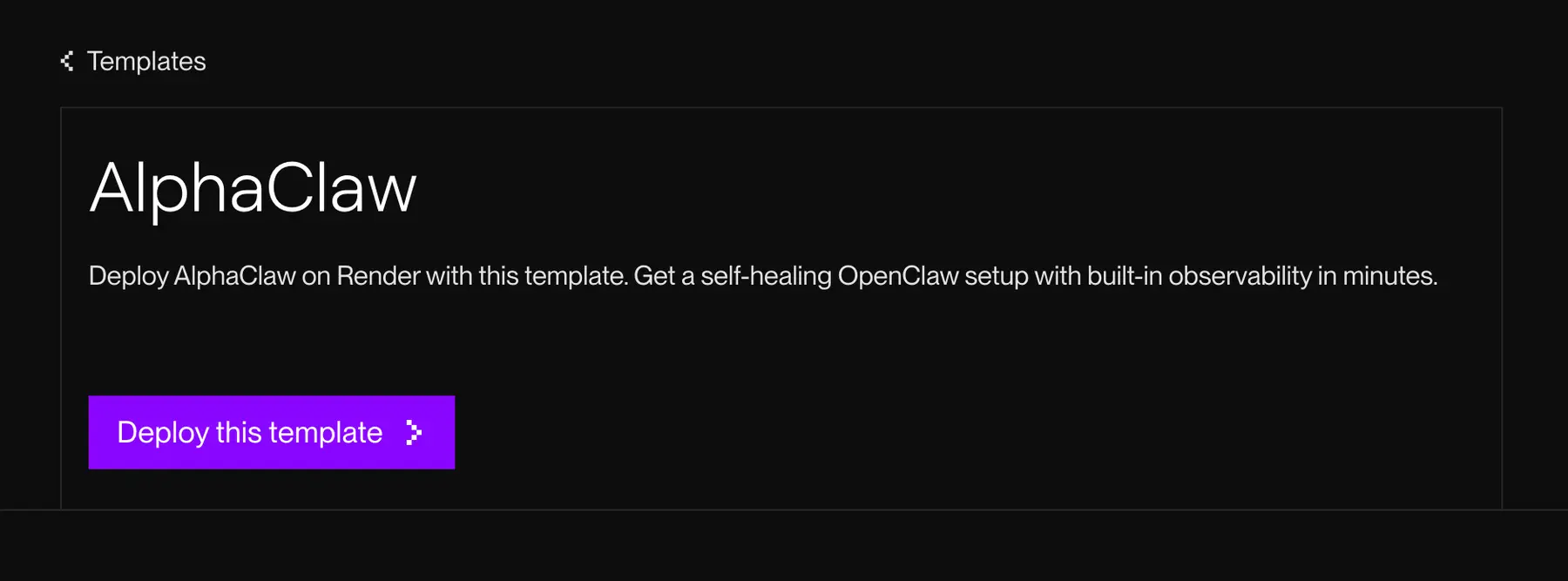
That minimal deploy form matters. AI provider keys, GitHub credentials, and channel tokens come later in the setup UI. The Render deploy form does not become a dumping ground for every secret your agent might need.
On first boot, open your service URL and log in with the setup password. The welcome wizard walks through model selection, provider auth, a GitHub backup target, and at least one channel: Telegram, Discord, or Slack.
Each field includes the instructions and links you need to find the right value. Small thing, but it removes the part of agent setup where you bounce between a README, a dashboard, a bot settings page, and six browser tabs.
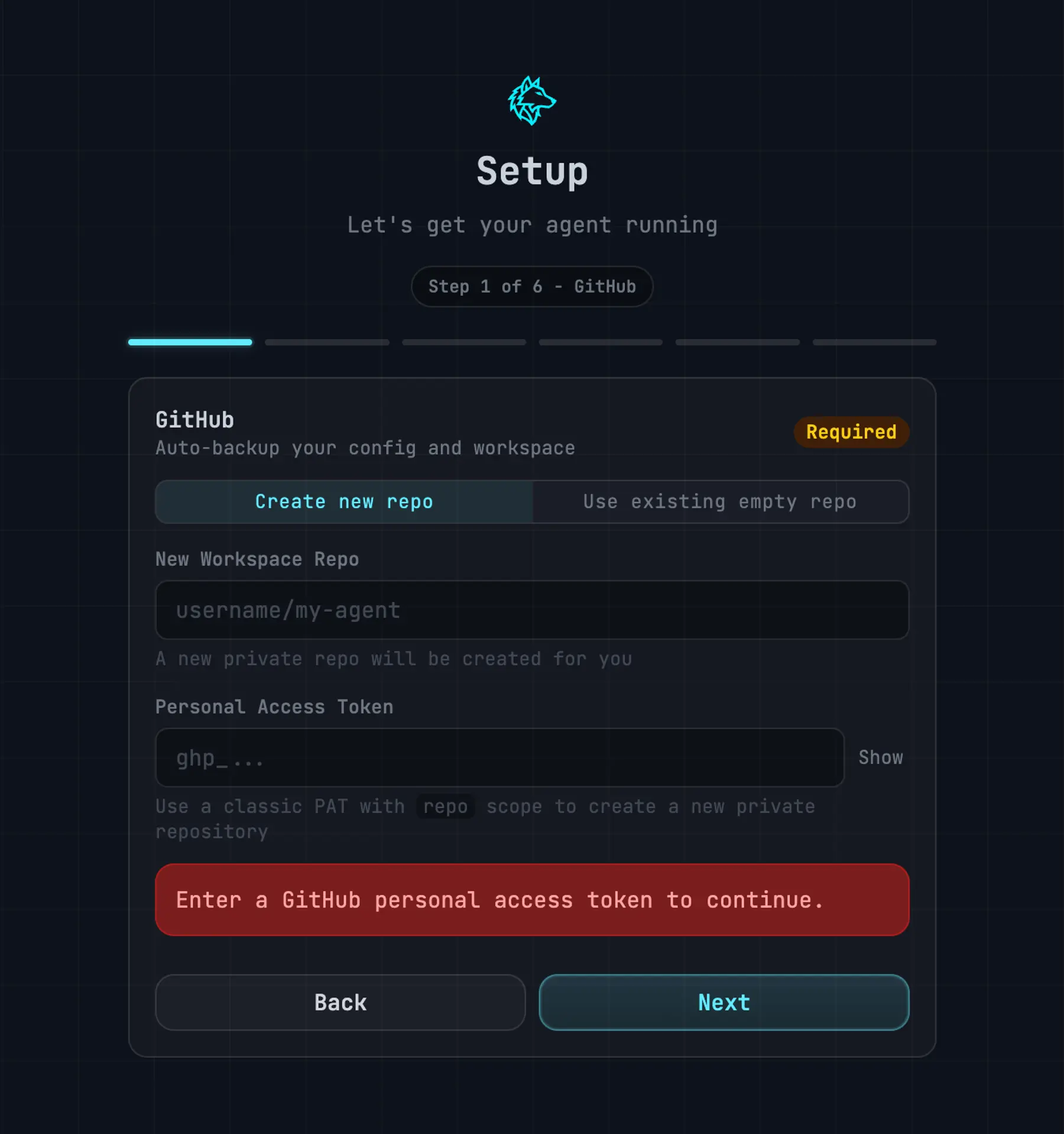
Pairing a channel is the moment the hosted agent becomes real. DM your bot, wait for the pending pairing to appear in the setup UI, and click Approve.
From there, the watchdog keeps the gateway up, and hourly commits start pushing your agent state to GitHub.
A second template: AlphaClaw + GBrain
The base AlphaClaw template gives you a running agent. The GBrain variant gives that agent a memory system.
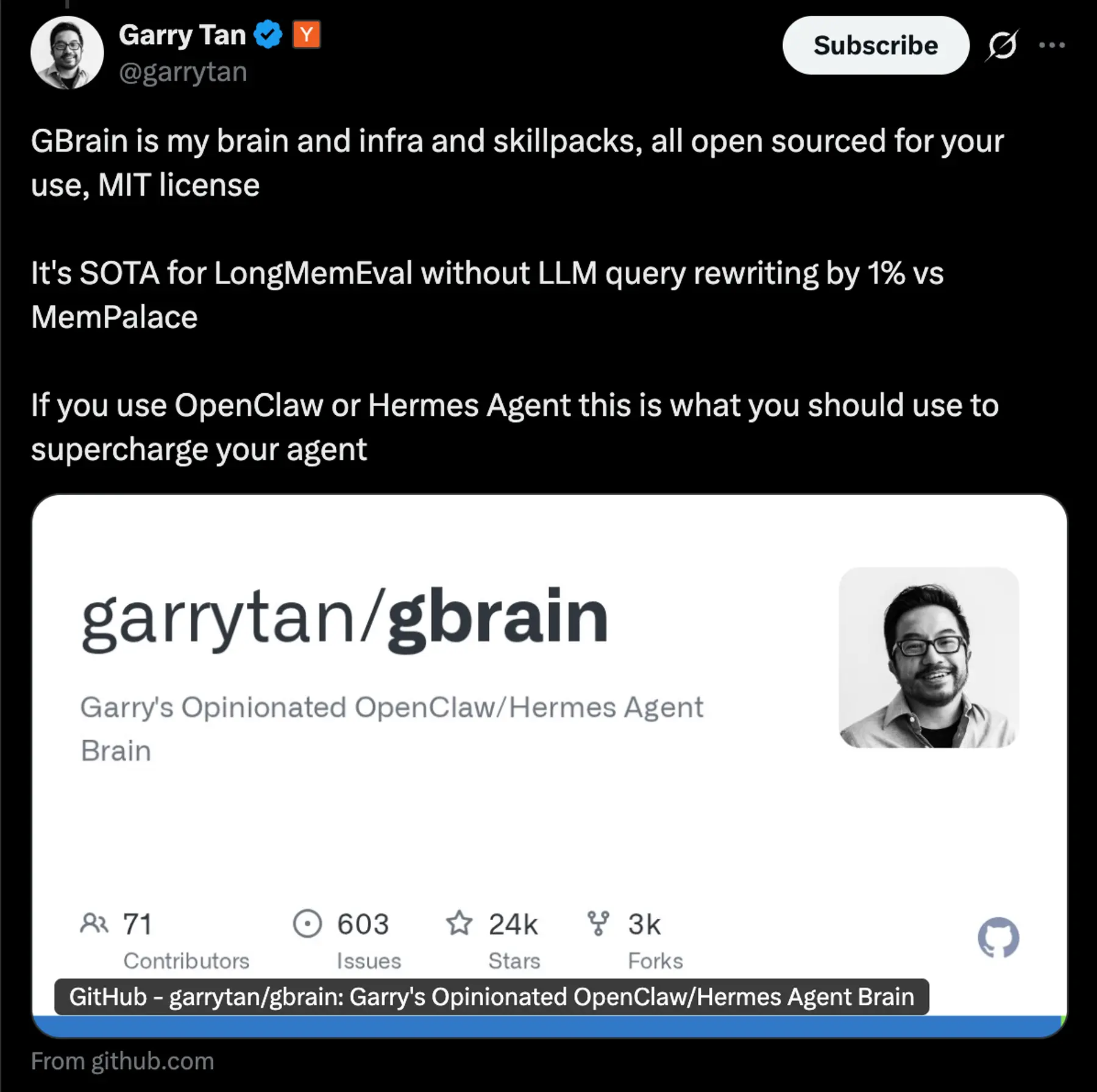
GBrain, open-sourced by Garry Tan, is a Postgres-native knowledge store with hybrid search: vector search, keyword search, and reciprocal rank fusion. Garry built it to run his own OpenClaw deployment.
In the Render template, GBrain runs through PGLite in the same container as AlphaClaw. There is no external Postgres database to create and no second service to pay for.
Import markdown, ask the agent questions, and let the skill pack handle ingest, query, and enrichment. The agent starts with persistent memory available from first boot.
Garry's own GBrain instance shows what this looks like at production scale:
I built GBrain to run my own AI agents. It's the production brain behind my OpenClaw and Hermes deployments: 146,646 pages, 24,585 people, 5,339 companies, 66 cron jobs running autonomously.
Source: Garry Tan, garrytan/gbrain
The install path Garry points to in the GBrain README is the AlphaClaw template on Render:
"If you don't already have an AI agent platform running, start with one of these. Both are designed to read GBrain's install protocol and execute it."
Source: garrytan/gbrain README
Architecture
AlphaClaw runs as a single web service: one container, one persistent disk. That's the production topology.
The container runs an Express proxy on the public port. That proxy fronts the AlphaClaw setup UI and the OpenClaw Gateway on port 18789. Everything routes through the proxy, including WebSocket upgrades and the webhook endpoints that Telegram and Discord call into.
State lives on the persistent disk mounted at /data. The .openclaw directory is also a Git working tree.
Hourly commits push the agent state to your GitHub repo: config, skills, cron jobs, workspace files, memory, and session state. Secrets are sanitized to ${ENV_VAR} references. If an agent action breaks something, you have versioned history to roll back to.
The template ships on Render's Pro instance type: 4 GB of RAM and 2 CPU. AlphaClaw uses that headroom for the watchdog, file explorer, Git operations, proxy, and, in the GBrain template, embedded Postgres-compatible search. Because the instance has reserved capacity, the watchdog still has room to do its job when the gateway crashes.
For agents, persistence means more than files. It means being able to explain what changed, roll back bad actions, and keep the recovery loop running when the main process fails.
AlphaClaw includes special guidance to make sure your agent commits changes to Git and proves it in the conversation thread. This helps build confidence that the agent is doing what it says it's doing.
When you connect services like Google, AlphaClaw will automatically inject the right information into OpenClaw’s system prompt so it knows exactly what services are available.
Over time, OpenClaw will write redundant or conflicting information across the workspace. AlphaClaw’s Drift Doctor monitors your workspace files and makes recommendations to clean up any drift.
Why we're sponsoring AlphaClaw
We are sponsoring AlphaClaw because it treats agent hosting like a production problem. Not a demo problem. Not a weekend script problem.
The hard part is not launching a process. The hard part is keeping the agent reachable, recoverable, backed up, and configurable after the first deploy.
That maps to the Render primitives we care about: web services, persistent disks, environment variables, Git-backed deploys, and templates that turn a sharp open-source project into something people can try without a long setup doc.
It also shows how far a single container and a persistent disk can go when the runtime, file state, channel webhooks, watchdog, and memory layer are designed together.
None of this is glamorous, but it is the difference between an agent that works once and an agent you can leave running.
Get started
- Deploy AlphaClaw: render.com/templates/alphaclaw
- Deploy AlphaClaw + GBrain: render.com/templates/openclaw-alphaclaw-gbrain
- OpenClaw docs: docs.openclaw.ai
- Community Discord: discord.com/invite/clawd
The agent space still has a lot of unmarked terrain. AlphaClaw is one useful map: a concrete example of how a personal agent can become a hosted service without losing the file state, channel wiring, and recovery loops that make it personal in the first place.